Automation for accounting firms: document collection, supplier invoices and month-end
The short answer: in an accounting firm, automation pays off first in three places. Collecting documents from clients, getting supplier invoices into the ledger, and the firm's own collections. All three repeat every month, follow rules you can write on a page, and eat the hours of the most expensive people in the office.
This guide is for whoever runs a firm of 5 to 60 people and knows the feeling: the clients' books are in order and the firm's own books close last. We wrote it after the work with Sofrin & Bachar, where the system found over $100K in billing gaps that had been sitting inside the firm's Priority ERP the whole time.
What is different about an accounting firm
A regular company keeps one set of books. A firm keeps dozens or hundreds, each with its own bank, its own system and its own client habits. Any process that repeats once a month in a company repeats once a month times the client count in a firm.
It also means the smallest improvement is multiplied. Half an hour saved on one client's invoice intake is a working week a month across 80 clients.
And the third thing: the firm itself is the client nobody handles. The retainers, the collections, the question of which clients cost more to serve than they pay. The answers are in the system. There are no hours to go and assemble them.
Collecting documents from clients
Toward year end and after it, the firm collects the same documents from every client: payroll forms, tax withholding certificates, bank statements, national insurance confirmations, policies. Today that runs on manual reminders, by email and on the WhatsApp of whoever owns the client, with no single place that says what came in and what is missing.
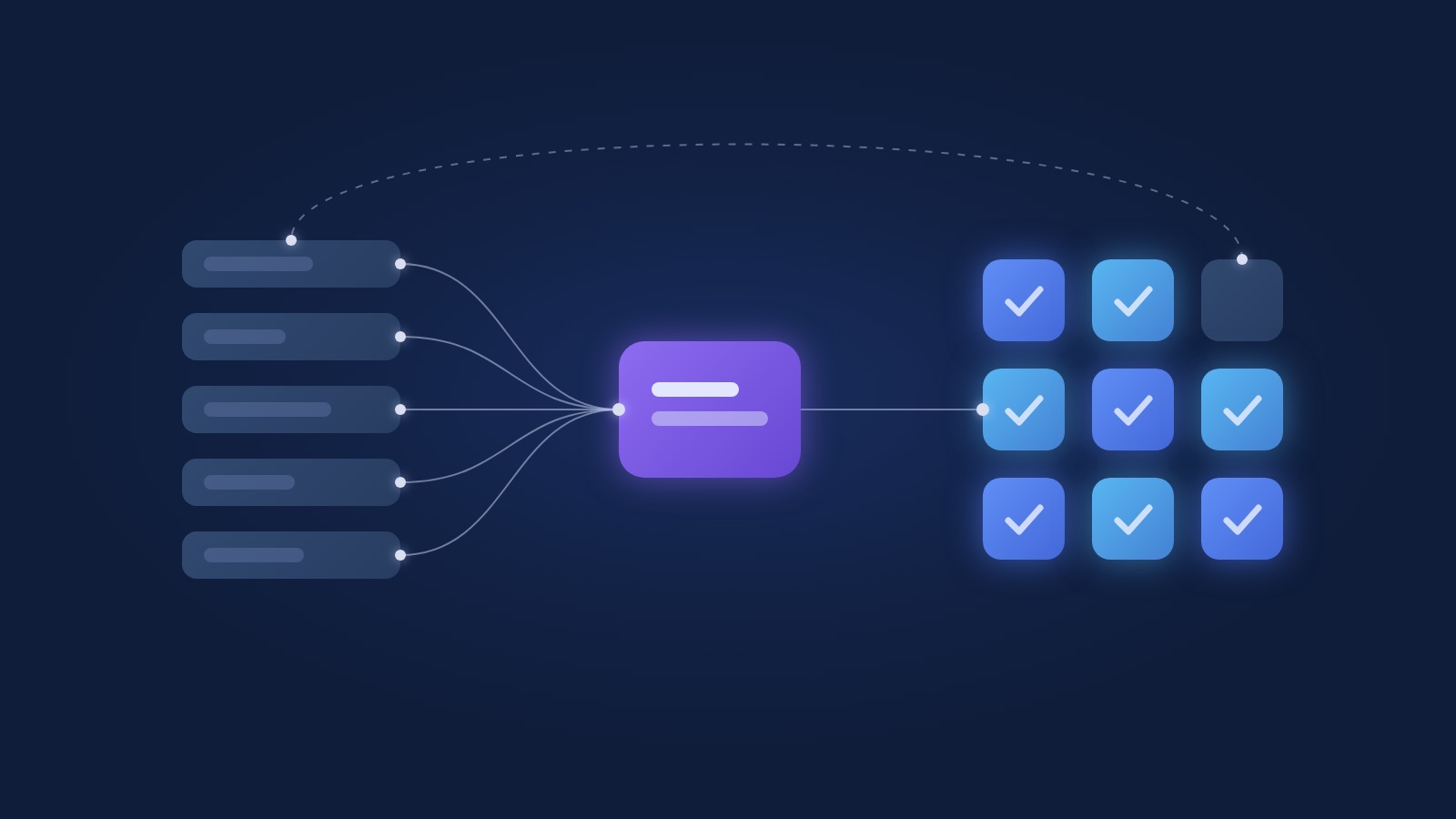
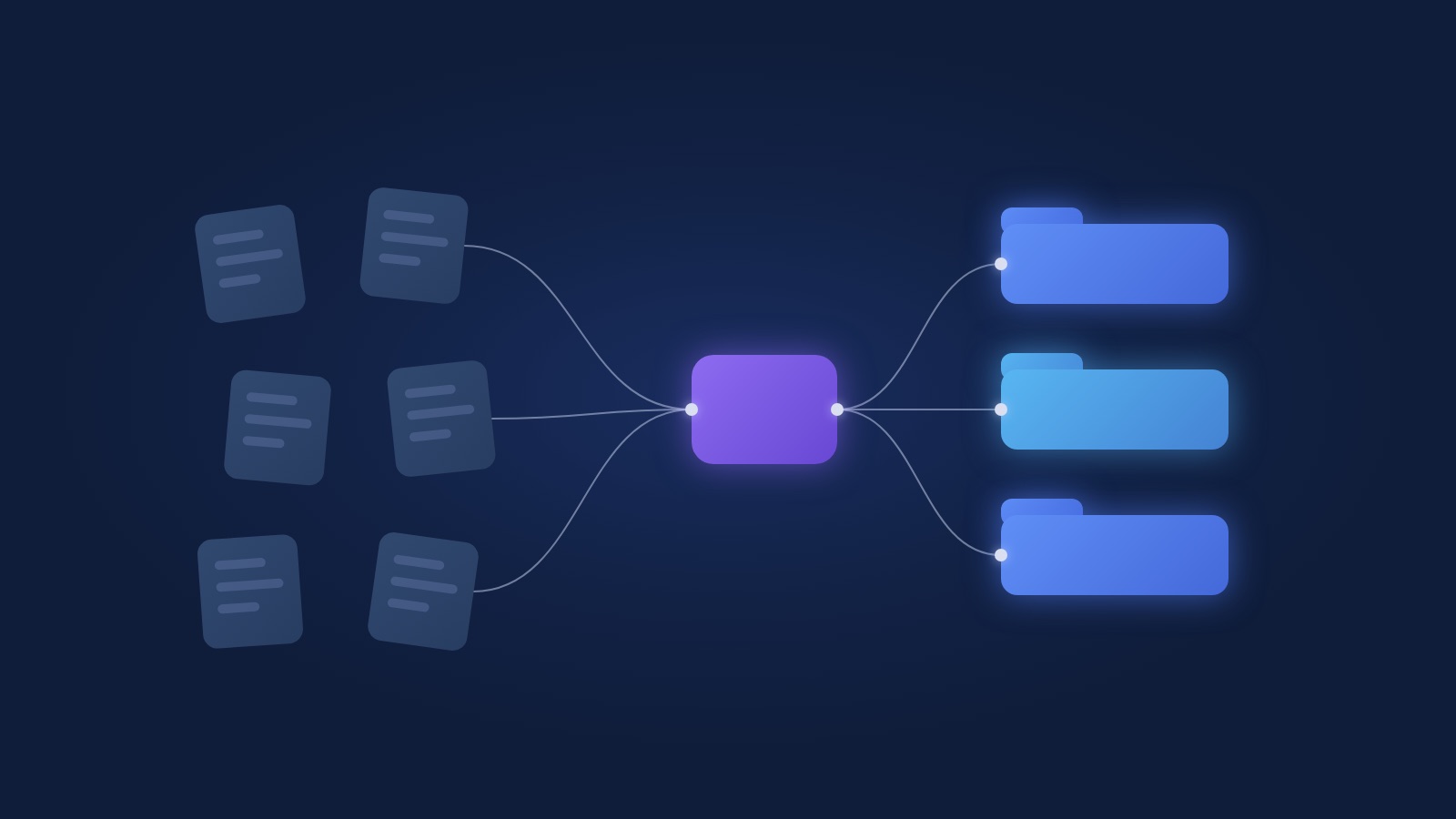
The automation holds a document list per client by type: employee, self-employed, company. It sends a reminder in the firm's own wording, by email or WhatsApp, and escalates gradually until the document arrives. A document that comes in is recognised, filed in the client folder and removed from the missing list. The manager sees one screen: who finished, who is late, what is stuck.
What that changes in practice: the team's reminder hours go back to billable work, and clients get one consistent, polite message instead of a stressed last-minute email.
Supplier invoice intake for clients
Clients' supplier invoices reach the firm in every possible form: a photo on WhatsApp, a PDF by email, a pile at the end of the month. Someone types each one into the accounting system by hand.
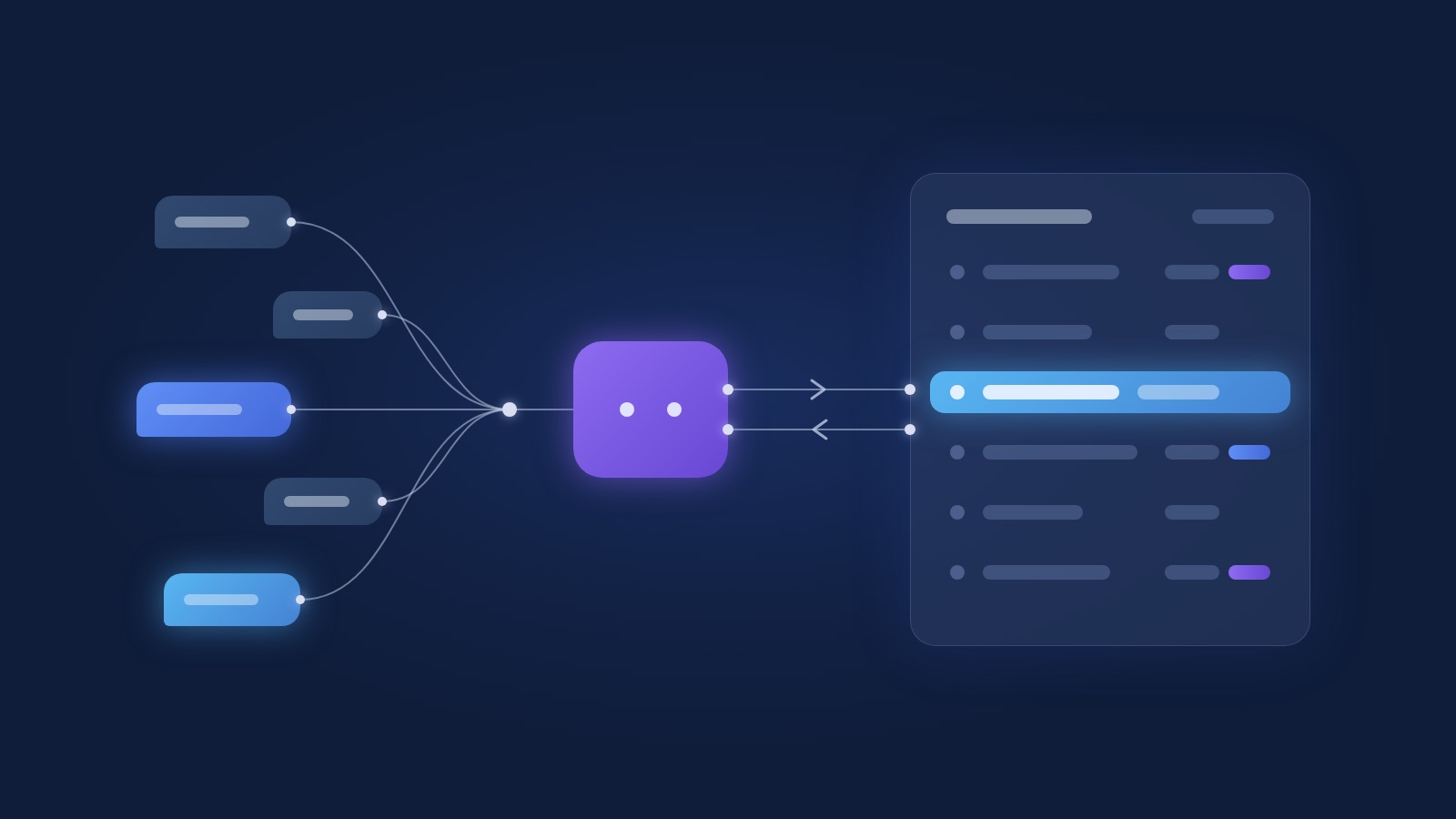
A document processing step reads each invoice: supplier, invoice number, date, amounts, VAT. It checks the supplier exists for that client, flags duplicates, and posts a draft entry into Hashavshevet, Priority or Rivhit for a person to approve. Expect the model to read a clean PDF correctly almost every time and a crumpled phone photo most of the time, and design the review screen for the second case.
The approval step is the point. The system reads and matches; the bookkeeper decides, from a screen that shows the invoice next to what was extracted. In the first quarter every posting is a draft. Once you have watched the system be right for 3 months, you widen automatic posting one category at a time.
The full process, including the company-side finance team, is in the finance team automation guide.
The firm's own collections
This is where most firms are surprised. A retainer client whose scope grew while the fee did not. A client who has paid 90 days late for a year and nobody called. A client who takes 20 hours a month and pays for 8.
At Sofrin & Bachar both of those answers sat in Priority. We built a profitability report per client that runs every quarter, and monthly alerts on overdue collection that send themselves. The result in the first year: over $100K in billing gaps identified, with nobody in the firm adding an hour of work.
What it takes: read access to the firm's system, one definition of what counts as "overdue" and "unprofitable", and an email address the alert goes to. The rest is a one-time build.
Bank reconciliation and month-end
Bank reconciliation is a process that suits automation almost completely. The matching rules are clear, the data arrives as a file or through an interface, and the exceptions are few. The system runs the match every night, closes what matches, and leaves in the queue only the lines that need a human eye.
When reconciliation runs continuously, month-end stops being a project. The client's report pack is assembled from data that is already matched, and the team reviews it instead of building it.
What connects to what: Priority, Hashavshevet, Rivhit
The accounting system stays the system of record. The automation writes into it through its interface and does not go around it.
Priority has an OData API that works for reading and writing most documents, and it is the interface we build against most. Hashavshevet depends on the version: integration means an API, a file import or a middleware layer, and the answer changes the build. The cloud systems have interfaces of their own, and each is checked against what it actually exposes. A vendor who says "we connect to everything" without asking which version you run has not done it yet.
A firm that works against several systems at once, one per client, is exactly the case where one automation layer pays off: it talks to every system, and the team works from one screen.
What the team keeps doing
Everything that needs judgment. An unusual classification, a call with a client whose documents do not add up, a decision on whether to keep an unprofitable client. The automation brings the information in, sorted and flagged; the person decides.
Separation of duties stays. Whoever sets the posting rules and whoever approves should not be the same person, and an audit log on every automatic posting is what the client's auditor will ask for. Build it from day 1.
Where to start
With the process that costs the firm the most hours this month. In most firms that is document collection in season or supplier invoice intake year round. The firm's own collections is usually the second project, because it returns money as well as hours.
A first process goes live in 6 to 8 weeks, including the mapping call and a parallel run alongside the old way. Put your hours into the ROI calculator and the order usually sorts itself out. More on the industry angle on the finance and accounting page.
Frequently asked questions
Does automation fit a small firm of 5 people?
Yes, and sometimes that is where the effect is largest, because nobody is there to absorb the manual work. A small firm starts with one process, usually document collection or invoice intake, and expands only once it runs.
What about client confidentiality?
The system runs in the firm's own accounts on infrastructure the firm chooses, the code passes to the firm's ownership, and access to systems goes through a dedicated user with narrow permissions. When a language model reads a document, it does so through the providers' business APIs, which under their terms do not use the data for training. The detail is on the trust and security page.
Does this replace the bookkeeper?
No. It takes the typing and the chasing off her and leaves her the decisions. In most firms the same team handles more clients, or the same clients with fewer overtime hours in season.
How long until a first process is live?
6 to 8 weeks from the first call, including mapping, a build on real data and a parallel run before switching over.
Which process should an accounting firm automate first?
The one costing the most hours this month. In season that is document collection; year round it is supplier invoice intake. The firm's own collections is a good second project, because it returns money.
Next step
If the coming season looks like the last one, this is the call. Talk to us with the number of clients and the number of invoices the firm takes in a month, and we will tell you which process to start with and what the first 8 weeks look like.