Priority ERP automation: WhatsApp bots, invoice intake and AI agents that write to Priority
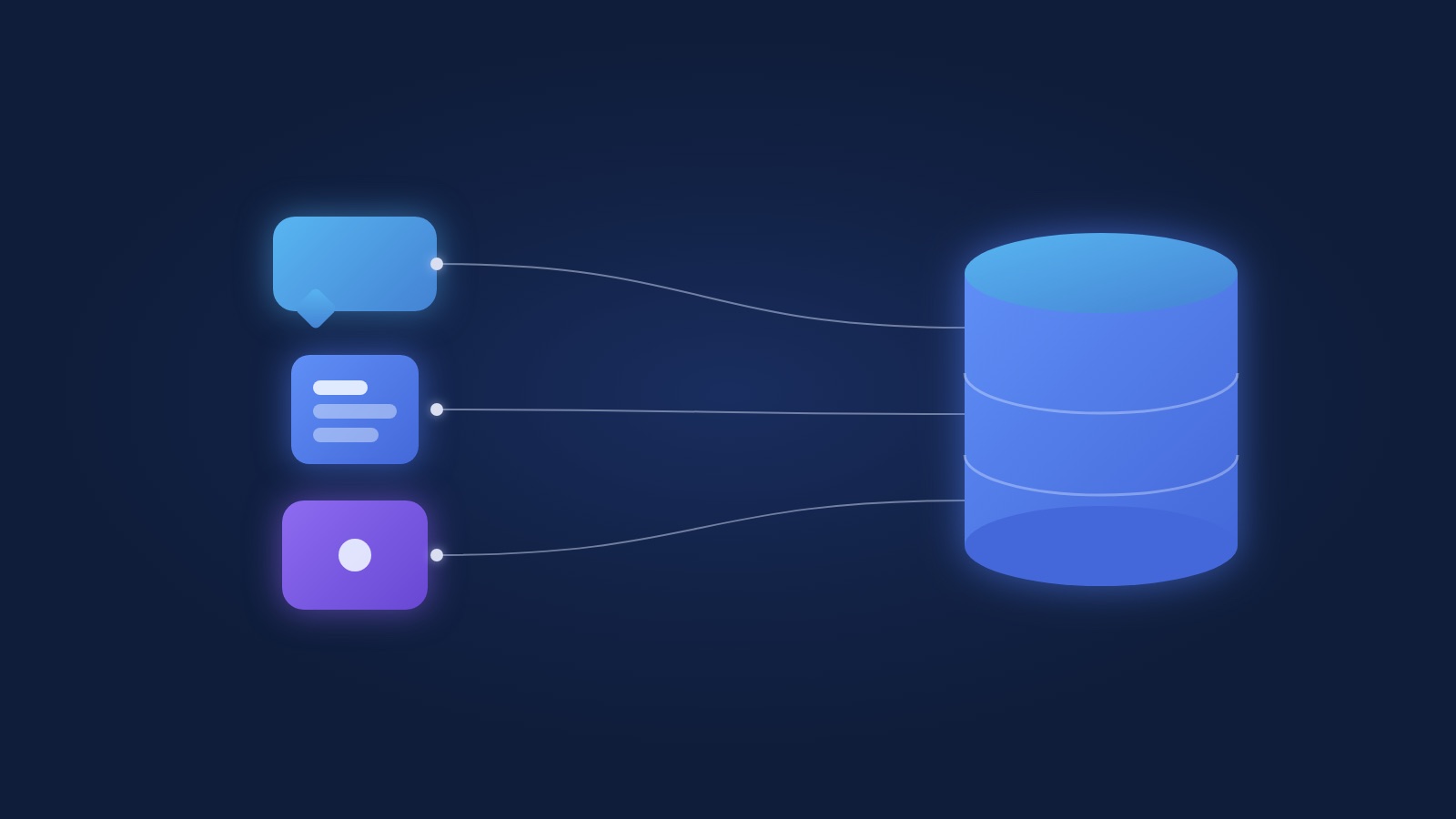
The short answer: when a company asks for "a chatbot for Priority", it means one of three different things. A WhatsApp bot that answers questions out of Priority, automatic intake of documents into Priority, or an AI agent that performs actions in it. All three are possible, all three go through the same interface, and they differ a great deal in cost, time and the permissions they need.
This guide separates them, explains what Priority exposes to developers and what it does not, and when you actually need a "Priority developer". It is written for a finance or operations lead at a company running Priority who is asking what can come off the team.
What Priority exposes: the OData API
Priority has a REST interface built on OData that reads and writes most documents in the system: customers, suppliers, orders, invoices, stock movements. Every Priority form is an entity in the interface, and sub-forms (order lines, texts) are reachable through the same entity. That holds for an on-premise installation and for Priority in the cloud; only the address changes.
Access uses a personal token issued inside Priority to a specific user, plus an application licence that Priority assigns to each external system that connects. Those two things are what you ask of whoever administers your Priority, and both take a day, not a month.
What the interface does not do: it does not change Priority's logic. If a document requires a mandatory field, the interface requires it too. If a procedure in Priority has a rule, it applies to what comes in from outside. That is an advantage: whatever enters through the interface meets the same rules as what is typed by hand.
The "Priority developer": when you need one and when you do not
A Priority developer is someone who customises Priority itself: new forms, fields, procedures, triggers that run inside the system. It is a real specialism and it has a price.
Connecting WhatsApp, email, an external system or an AI agent to Priority does not need one in most cases. The connection is made from outside, through the interface, without touching the forms. You need a Priority developer when the process needs a field that does not exist, a form that does not exist, or a rule that has to run inside Priority even when no external system is involved.
In our projects it usually looks like this: we build the connection, and if one or two fields are needed, whoever maintains your Priority adds them. Two hours of their time, not a project.
The three connections people actually ask for
1. A WhatsApp bot for queries
A supplier asks when an invoice is being paid. A customer asks for a copy of an invoice or an account statement. A sales rep in the field asks how many are in stock. The bot identifies the asker, reads the answer from Priority and replies on WhatsApp.
This is the cheapest and fastest connection, because it only reads. It cannot break anything in Priority. What does need solving: identifying the asker (the phone number against the customer card), what each type of asker is allowed to see, and the wording of the answers. The WhatsApp agents we build run on the WhatsApp Business API, so the conversation is logged and can be handed to a person mid-way.
2. Supplier invoice intake into Priority
A supplier invoice arrives by email or WhatsApp. A document processing step reads it: supplier, number, date, amounts, VAT, lines. The system checks the supplier exists, matches it to a purchase order if there is one, flags duplicates, and posts a draft document in Priority for a person to approve.
Here the interface is already writing, so you already need a dedicated user with write permission to one document only, and an approval screen that shows the invoice next to what was extracted. In the first quarter everything is a draft. After 3 months of the system being right, you widen automatic posting one category at a time. The finance team automation guide covers this from the finance side.
3. An AI agent that performs actions in Priority
An agent that opens an order out of a WhatsApp conversation with a customer, updates a delivery status, sends a collection reminder and records that it was sent. This is an AI agent that has Priority as a tool and a closed list of actions it is allowed to perform.
Here permissions are the whole matter, and the next section is about them. What to understand in advance: an agent that performs actions is a project of months, with an approval period before anything is released to it alone. Anyone selling it to you as a two-week project has not built one on Priority.
Permissions: the thing the CFO will ask about
Every external system gets its own user in Priority, with permissions only for the forms it needs and only for the actions it needs. A query bot gets read only. Invoice intake gets write to one document. An agent gets a closed list.
Every action that writes a document goes through a person's approval, at least in the first quarter. Every call to the interface is logged, so "the AI did something" becomes a line you can read: who, when, what, and based on what.
And what not to do: give the bot the bookkeeper's user "to save time". That is exactly the question the auditor will ask, and the right answer is a separate user with a log.
How long it takes
A read-only WhatsApp bot: 2 to 4 weeks, most of it on identifying the asker and on the wording.
Supplier invoice intake: 6 to 8 weeks until it runs in production on real invoices, then a quarter of approvals before widening.
An agent that performs actions: 8 to 12 weeks for a first version with one or two actions, then expansion by what the team has seen work.
In all three cases we need one person on your side who knows the company's Priority and can answer "where is this recorded here", plus the two items from the interface section: a token and an application licence.
What we have already built on Priority
At Sofrin & Bachar, a CPA firm, the system reads billing and collection data from Priority, runs a profitability verdict per client every quarter, and sends monthly alerts on overdue collection. In its first year it identified over $100K in billing gaps. That is a connection of the first kind, read only, which is why it went live fast.
Frequently asked questions
Can you connect a chatbot to Priority without a Priority developer?
In most cases, yes. A bot that reads data and answers from it works through Priority's interface without touching the forms. A Priority developer is needed only when a field or form that does not exist is required, or a rule that runs inside Priority itself.
Priority in the cloud or on premise, does it matter?
Not for the connection itself. The interface is the same; only the address you call changes. On premise you have to make sure the interface is securely reachable from outside, which is a conversation with whoever manages your server.
What happens if the bot gets it wrong?
A read-only bot cannot change anything, so its worst mistake is an inaccurate answer, and the conversation can be handed to a person. In connections that write, every posting is a draft a person approves, at least in the first quarter, and there is a log of every action.
Do we need an extra licence from Priority?
Priority assigns an application licence to each external system that connects through the interface, in addition to the user the connection acts as. You ask for both from whoever administers your Priority, usually through the reseller.
Can WhatsApp connect to Priority without an API?
Not in a way that lasts. Solutions that simulate typing or read screens break on every version update. The right connection is through Priority's interface on one side and the WhatsApp Business API on the other.
Next step
If you run Priority and have a question that comes in on WhatsApp ten times a day, or a pile of invoices someone types in, this is the call. Talk to us with a description of what you would like to happen on its own, and we will tell you which of the three kinds it belongs to and what it needs.