Custom CRM: when to build your own and when to buy one
The short answer: most businesses should buy a CRM and configure it properly. Build your own when the process itself is your edge, or when the platform you bought fights you every day. And a lot of the time the right answer is both: keep monday, Fireberry or HubSpot for the standard sales pipeline, and build the one missing piece next to it.
We do both kinds of work. We implement off-the-shelf CRMs and we build custom ones, so we're paid either way. In every case below we say which way we lean.
Last updated: November 17, 2026
What is a custom CRM?
A custom CRM is a system for managing customers, requests and processes that's built around how your business actually works, with its own data model, permissions and screens. You own the code and the data, and there's no per-seat licence.
The real difference from an off-the-shelf CRM starts in the data model. Platforms are built around a company, a contact and a deal moving through pipeline stages. That fits a huge number of businesses. Some businesses run on something else: a case with several parties, a request that climbs an approval chain, an asset with a history of its own. Force that into a "deal" and you get custom fields piling up, parallel boards and a spreadsheet on the side.
When should you buy an off-the-shelf CRM?
Buy when your process looks like most businesses in your field: a lead comes in, someone works it, there's a quote, there's a close. In that case a well-configured platform wins almost every time, and we lean toward buying.
What you get when you buy:
- A system that works on day one, with a mobile app, reports and ready-made integrations.
- Someone else running the servers and the security.
- New features that show up without you paying a developer.
- A job market full of people who already know the tool.
When an implementation goes wrong, it's usually the setup. Fields that stay empty, stages that don't match what really happens, automations whose purpose left with the person who added them. Before you decide the platform doesn't fit, check whether it was configured three years ago and left alone since.
If you're still choosing between platforms, our monday vs Fireberry vs HubSpot comparison covers which fits which kind of business.
When should you build your own CRM?
Build when the process is your competitive edge, or when the CRM you bought needs workarounds every single day. In both cases we lean toward building.
The signals we listen for on a first call:
- Your customers need to log in alongside your staff. A portal where a client submits a request, sees its status and uploads a document, working off the same records your team uses.
- Permissions go down to the row. A branch sees only its own contacts, a regional lead sees the region, management sees everything. On a platform this ends in a dozen copies of the same board.
- Approvals depend on conditions. Requests above some amount go to a different person, one request type skips a step. Platform automations handle the first three cases and break on the fourth.
- Most of the work happens on a phone, in a right-to-left language. A desktop screen flipped to Hebrew or Arabic still feels like a desktop screen.
- You're paying for dozens of seats for people who only ever update a status.
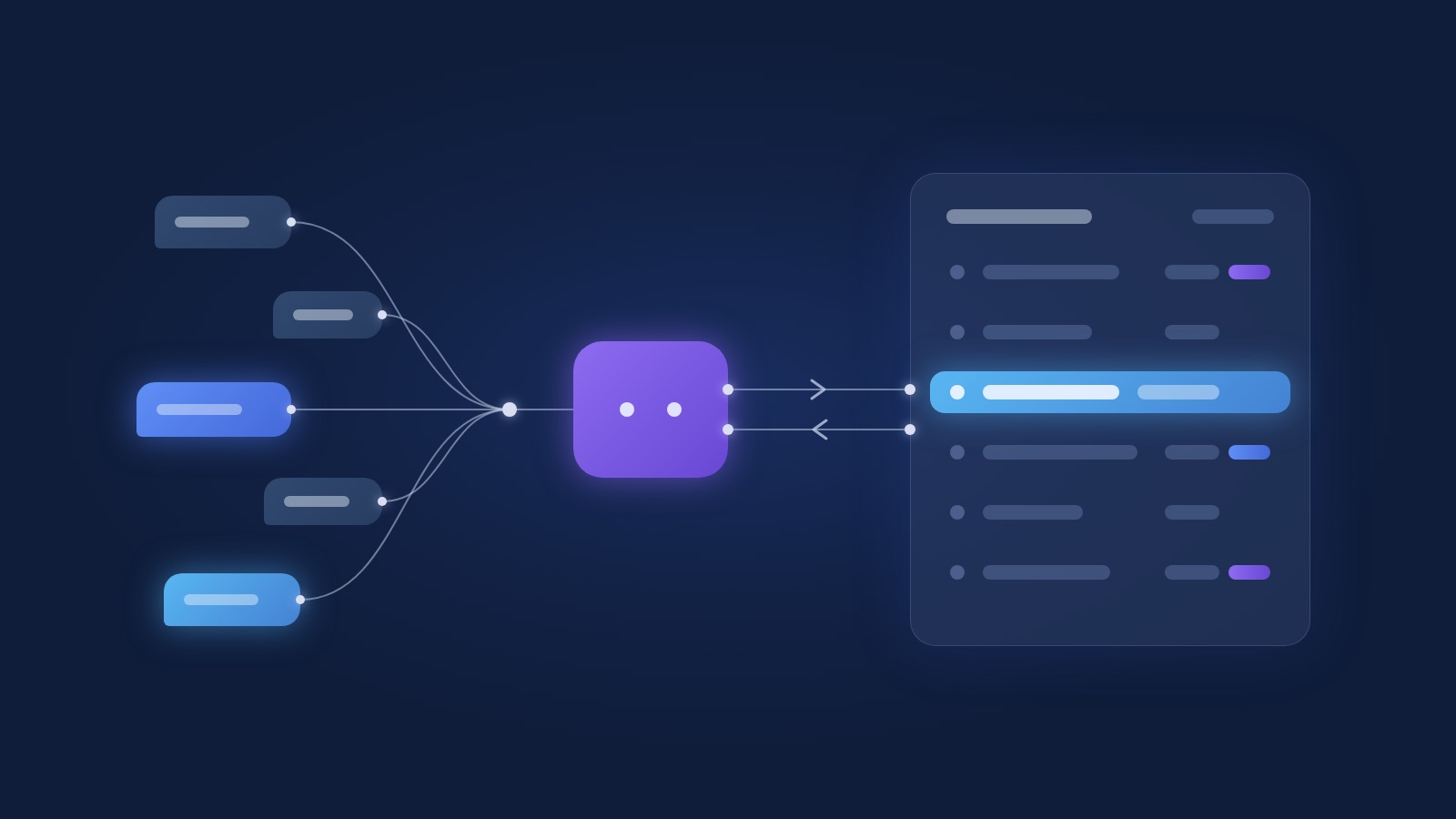
Three systems we've built show what this looks like. A professional-services office where staff and clients work on the same requests, approvals and statuses, each from their own screens. An accounting-type firm whose client portal syncs status both ways with our operations hub. And a field organisation with about 30 local branches across about 60 locations, 4 permission levels and a master list of about 11,500 contacts, used mostly on phones, right to left.
Buying made no sense for any of the three. The field organisation's row-level permissions, for example, could only be faked on a platform with dozens of separate boards. We wrote that problem up in its own guide, CRM permissions.
What's the middle path between building and buying a CRM?
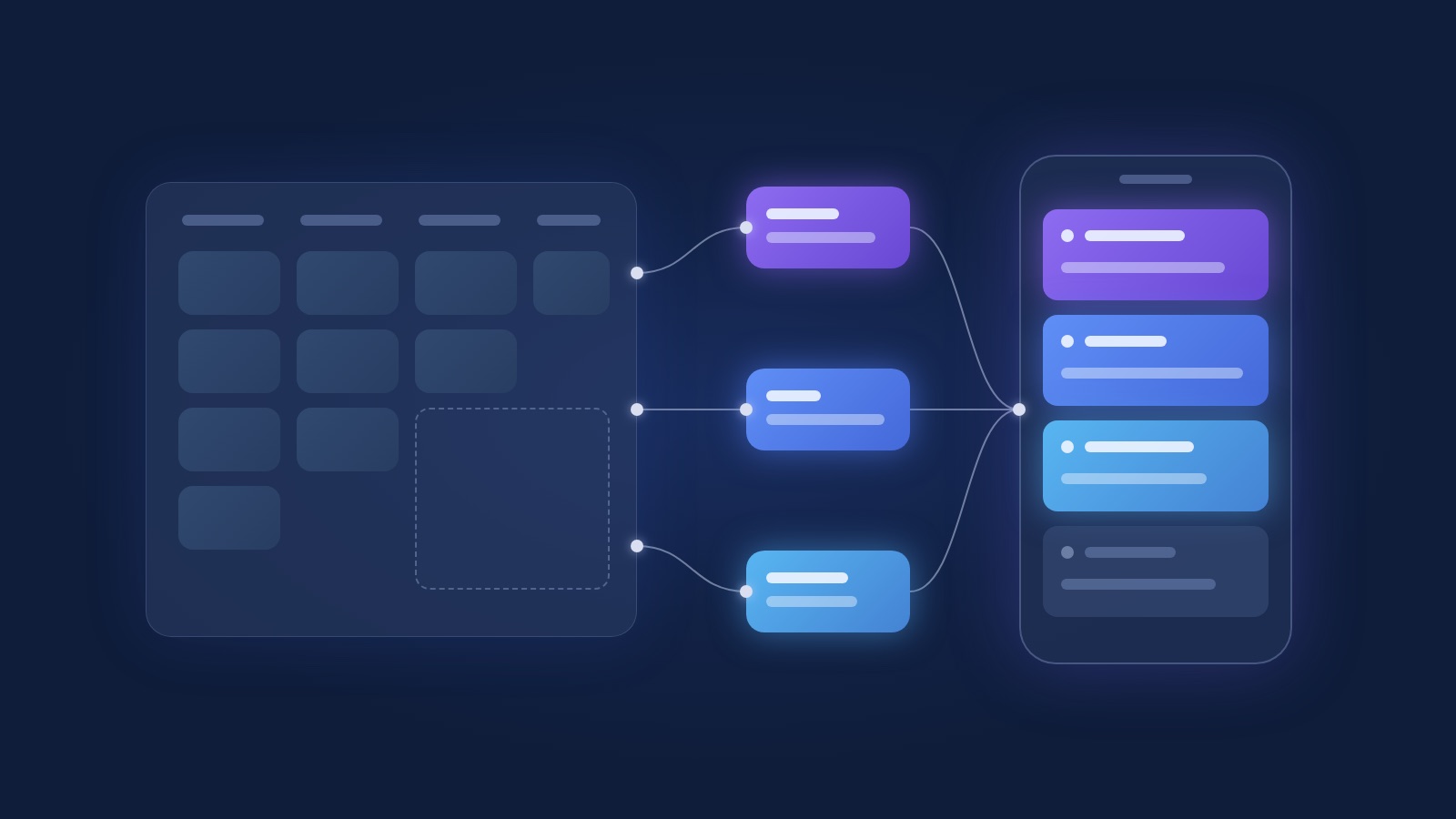
The middle path is keeping your current CRM for the pipeline and building only the piece it handles badly, with the two kept in sync. It's what most of our CRM projects turn out to be.
The pieces we build next to an existing CRM most often:
| What's missing | What it looks like | Why it doesn't live in the platform |
|---|---|---|
| A quoting tool | A screen that builds a quote from your price list, does the maths and produces a branded document | Conditional pricing and branded output break formula fields |
| A client portal | Clients log in, see their status, upload documents | A seat per client makes no sense, and each client should see only their own row |
| A conditional approval chain | Requests route by amount, type and role, with a full record of who approved what | Platform automations handle two steps well and seven steps badly |
| A field-team app | One phone screen: what's mine today, update with a tap, works on a weak signal | The platform's interface was designed for a desk |
Our rule: whatever works in the platform stays in the platform. We build only what your team is currently doing in a spreadsheet beside it. And if you already have an AI agent answering customers or summarising calls, the CRM is where it reads and writes; we covered that in AI agents and your CRM.
Custom CRM vs off the shelf: a decision table
This table is the fastest way to decide. Find the rows that describe you and see where most of them land.
| Signal | Buy | Build | Both | Where we lean |
|---|---|---|---|---|
| Team of up to 10 with a standard sales pipeline | Fits | Overkill | Unnecessary | Buy |
| Process still changes every week | Fits | Too early | Too early | Buy, and revisit in six months |
| Clients need to log in and see status | Hard | Fits | Fits | Both, if sales already works in the platform |
| Permissions by branch, region or team | Very hard | Fits | Sometimes | Build |
| Approval chain with conditions | Partly | Fits | Fits | Both |
| Most work on phones, in Hebrew or Arabic | Partly | Fits | Fits | Depends how many people are in the field |
| Quotes with complex pricing | Partly | Fits | Fits | Both |
| No one in the business to own the system | Fits | Risky | Risky | Buy |
| Dozens of users who only update statuses | Costly over time | Fits | Fits | Run the numbers both ways over several years |
| Deep connection to an ERP like Priority | Possible with integration work | Fits | Fits | Depends which way the data flows |
If most of your rows sit in the first column, buy and configure it well. If two or three rows lean toward building, the middle path is usually the right place to start.
When is a custom CRM the wrong choice?
A custom CRM is the wrong call for a small team with a standard pipeline, when no one will own it, or when the process still changes every week. In those cases we tell people to buy, even when they came to us wanting to build.
A team of 6 selling one service through a five-stage pipeline doesn't need its own code. Every hour spent building it comes back as an hour of maintenance.
A system with no owner is the bigger risk. Someone inside the business has to decide what goes into the next version, approve changes and say when something's off. Without that person even a bought CRM decays, and a custom one decays faster.
And a process that hasn't settled should run in a flexible tool first. Once it stops moving, you'll know exactly what to build. Often the right first project is simply moving from Excel to a CRM, and building only after a year of real use.
Why is custom CRM development cheaper and faster than it used to be?
Because most of the system already exists. Every CRM needs the same building blocks, and we now build each one once and install it per client.
We got here after an uncomfortable look at our own repositories. When we audited them we found 6 separate feature-and-bug trackers, 5 audit logs and 7 sign-in setups, each a little different, because each client had got a rebuild of the same thing.
Now we keep a catalogue of modules built once and tested: tasks, contacts and pipeline, approvals, notifications, sign-in and roles, an audit log, and data tables. A new project installs what it needs, adapts it to the client's design and data model, and spends most of its time on the part that's genuinely theirs. The code goes into the client's repository and the client owns it.
The wider shift, how AI changed the build-or-buy maths for software in general, is in our piece on build vs buy.
What does a custom CRM project look like?
A custom CRM project starts with the data model, moves to a clickable prototype, and puts a first screen into daily use in about 2 weeks. Migrating your old data runs alongside.
- Data model. Before a single screen, we define your entities, how they relate and who sees what. For the field organisation that meant branch, location, contact, and a user at one of 4 levels. Mistakes here are expensive later, so this is the step we never rush.
- Clickable prototype. Screens that look like the real system, filled with sample data, for your team to click through and react to. That's where we find the missing field or the pointless step, before any code.
- First screen in use, in about 2 weeks. One real screen on real data that a small group uses every day. Usually it's the screen that hurts most today.
- Migration. An approved mapping for every column, deduplication by rules you understand, and a report of what came across, what was merged and what was left out.
- Rollout in stages. Screen by screen, in an order you set, with requests your team files from inside the system.
What each stage needs from your side, including who should be in the room, is in how an automation project runs.
What do we build custom CRMs on?
We build on Next.js and Supabase, which is Postgres with row-level security. We picked that pair for the requirements Israeli clients keep bringing.
Permissions live in the database itself. When a branch should see only its own contacts, the query enforces it, so a screen someone forgot to filter still can't leak another branch's rows. With 11,500 contacts and 4 permission levels, we don't want people's privacy to depend on a developer remembering a filter.
Hebrew and Arabic right-to-left is our default, including phone numbers, dates and codes that stay readable inside Hebrew text. And on a phone every table turns into a list of cards, one per row, with the name and status on top and the details underneath. There's no table to scroll sideways.
The service itself is on our custom CRM page, and broader internal systems are under web applications.
How much does a custom CRM cost?
The cost is shaped differently from a bought CRM. With a platform you pay a licence per user, every month, for as long as you use it. With a custom build you pay for the build and then for maintenance and further work, and the number of users barely matters.
So the fair comparison runs over several years, at the headcount you'll actually have, and counts the time your team loses to workarounds today. On the middle path you pay for both, but for fewer seats, because the people who only update a status work in the screen we built.
A real number depends on what's being built. Half an hour on a call is usually enough to tell whether it's one tool beside your current CRM or a whole system, and from there we can give you a straight answer.
FAQ
How long does it take to build a custom CRM?
A first screen in daily use usually lands in about 2 weeks, after the data model and the prototype. A full system grows in stages, screen by screen, and the pace depends on how many processes it covers and how much data has to move.
Who maintains a custom CRM after launch?
We do, under a maintenance and development agreement, or your own developers if you have them. The code lives in your repository with documentation, so any developer who knows Next.js and Postgres can pick it up. On your side you need one person who owns the system and decides what comes next.
Can a custom CRM connect to our invoicing, WhatsApp or an ERP like Priority?
Yes. Israeli invoicing systems and Priority both have APIs, and WhatsApp connects through the WhatsApp Business API. Decide up front which system is the source for each piece of data, for example customers are created in the CRM and invoices in the accounting system, so you never end up with two versions of the same customer.
Can we start on monday and move to our own system later?
Yes, and when the process is still moving we recommend it. A year on monday or Fireberry teaches you what you actually need. When the time comes you migrate the data, or you build only the missing piece and leave the rest where it is.
Do we own the code of a custom CRM?
Yes. The code sits in your repository and the database in your account. The catalogue modules we install become part of your code too. If you ever decide to continue with another team, everything is already yours.
Next step
If your team works in a CRM with a spreadsheet next to it that your team refuses to give up, talk to us. We'll go through what you have and tell you whether to reconfigure what you bought, build the missing piece, or build your own.